Say Goodbye to 'Forgot Password': How Beginners Can Correctly Back Up Their Blockchain Wallet?

Imagine what you would do if you lost your bank card password. It's simple: go to the bank counter with your ID, or click 'Forgot Password' on the mobile app, and you can reset it after a few verification steps. This is the internet life we are accustomed to.
However, when you step into the world of Web3, you'll discover a chilling fact: There is no 'Forgot Password' button. Why does no backup equal zero assets in the blockchain world? This isn't alarmist talk; it's the most fundamental and brutal rule of this new decentralized world. According to a 2024 industry security report, about 20% of permanently lost assets are not due to hacker attacks, but because users themselves lost their keys or failed to back them up correctly.
Today, let's break down this crucial 'survival skill' for beginners.
The Rules Have Changed: Why Blockchain Wallet Passwords Can't Be Reset?
You might be confused: 'Why, with such advanced technology, can't we even recover a password?'
To understand this, let's use an analogy. Traditional internet accounts (like WeChat or Alipay) are like renting a safe deposit box at a bank. Although only you have the key, the bank manager (the platform) actually holds a master key. If you lose your key, the manager can open the box for you or give you a new lock after verifying your identity.
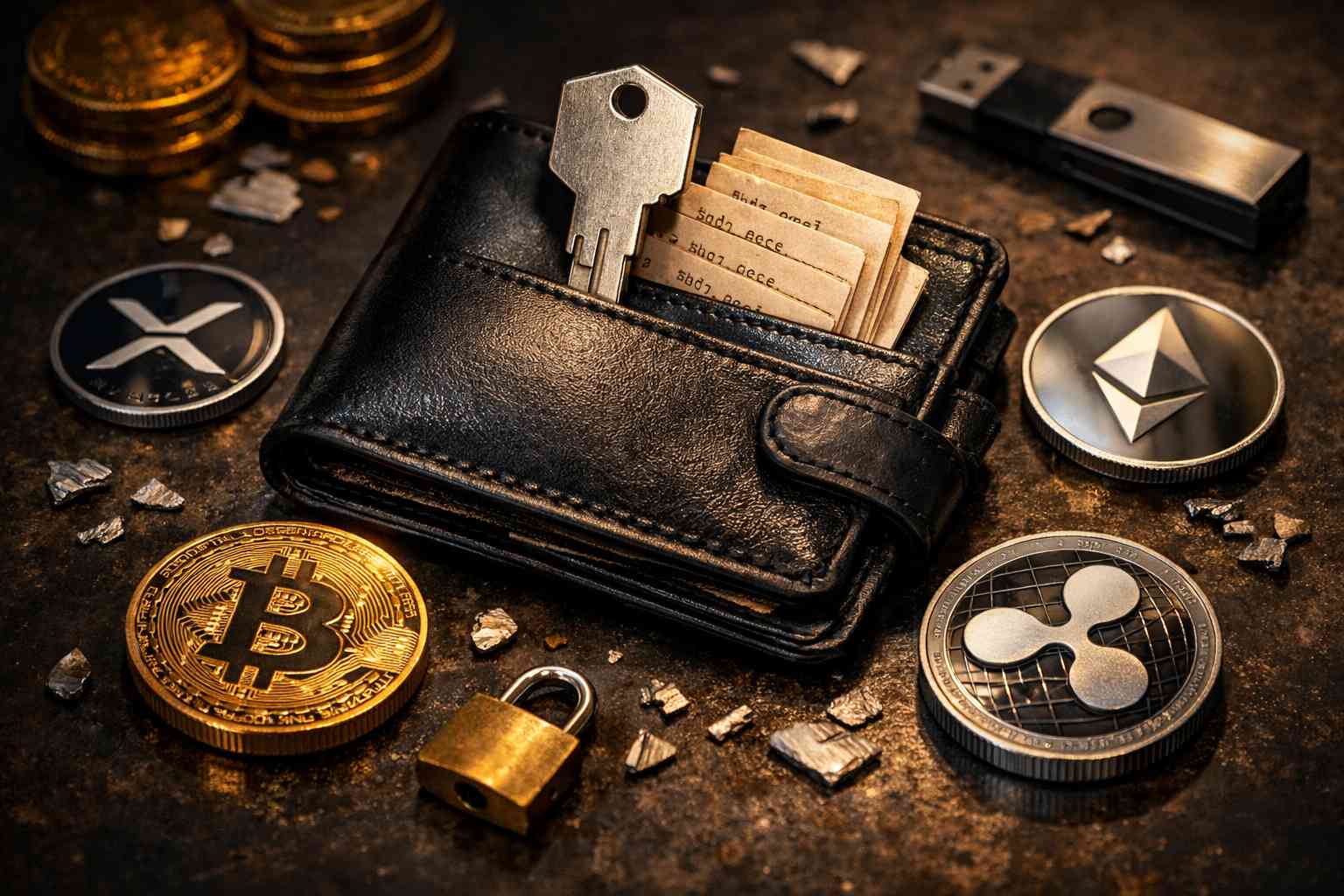
A blockchain wallet, on the other hand, is more like burying gold bars at a secret coordinate deep in the vast Sahara Desert. The way to access this coordinate (the private key) is generated and kept entirely by you.
In this system, there is no 'bank manager,' no 'customer service center,' and not even a server to store your private key. The blockchain network recognizes the key, not the person. This means that once you lose this unique key, even if you shout yourself hoarse in the desert, the safe deposit box containing your gold bars will never be opened. This is the double-edged sword of 'decentralization': it gives you absolute control, but also absolute responsibility.
Understanding Your Asset Keys: The Difference Between Seed Phrase, Private Key, and Payment Password
Many beginners, due to conceptual confusion during backup, back up the wrong thing, leading to an inability to recover their assets later. Let's clarify these three core concepts:
Private Key: This is the most fundamental 'real key,' usually a long string of seemingly random characters (like a 64-character hexadecimal string). It directly controls the assets on the blockchain. Because it's too long and hard to remember, it's difficult for humans to use directly.
Seed Phrase: To make it easier for humans to remember, developers invented the seed phrase. It usually consists of 12 to 24 simple English words (e.g., apple, river, sky...).
Simple Explanation: The seed phrase is the 'translated version' of the private key. Although they look different, they are functionally equivalent. Having the seed phrase = Having the private key = Owning the assets. This is the core content you need to back up.
Payment Password/App Unlock Password: This is the 6-digit password or fingerprint you set yourself in the wallet app.
Simple Explanation: This is just the switch to open the 'wallet software' door, not the key that controls your assets. If you delete the app or change your phone, this password becomes useless. Never think that just remembering this password is enough.
Physical Isolation is the Golden Rule: The Safest Hands-On Backup Strategy for Beginners
Now that you know you need to back up the 'seed phrase,' the next question is: how do you store it?
In the field of cybersecurity, there's an ironclad rule: If it's connected to the internet, it's at risk. Even the most advanced cloud storage services cannot guarantee 100% security against breaches. Therefore, for beginners, the safest strategy is 'physical isolation' (Cold Storage).
Recommended Practical Steps:
Pen and Paper Method: Find a good quality piece of paper and a non-fading pen, and neatly write down your seed phrase.
Double-Check: After writing it down, be sure to check it letter by letter against the screen. Even a single typo (like writing sun as son) will make recovery impossible.
Physical Storage: Place this piece of paper in a fireproof and waterproof safe place, such as a home safe or tucked inside an inconspicuous book.
Advanced Version (Metal Seed Plate): Considering that paper is vulnerable to fire and water, there are special stainless steel seed plates on the market. You can engrave the words onto the metal, which can withstand extreme conditions like fire or flood.
Simply put, the best way to back up is to take it completely 'offline' and return it to the most primitive physical world.
Is Your Backup Secure? A Rundown of Common Backup Mistakes That Lead to Stolen Assets
Many tragedies happen because users think they are 'smart' and use backup methods that seem convenient but are actually high-risk. Here are the 'death traps' to absolutely avoid:
Screenshots on Your Phone: This is the most common mistake. Your phone's photo album is often automatically synced to the cloud (iCloud or Google Photos). Once your cloud account is hacked, the seed phrase screenshot in your album becomes the hacker's 'ATM'.
Copying and Pasting to WeChat/Favorites: Never send the seed phrase to yourself via a chat app, or store it in WeChat favorites, notes, or email drafts. These applications run in a networked environment and are not only visible to you (there might be background data scanning).
The Trap of Fragmented Storage: Some people cleverly split the 12 words into two halves and store them separately, thinking it's safer. But this increases your own management difficulty; if you lose one half, the other half is meaningless.
Remember: Convenience is the enemy of security. When it comes to backing up your seed phrase, please choose the 'dumb way'.
Verification is Crucial: How to Test Your Backup's Validity Without Risk
You've written down your seed phrase and locked it in a drawer. But are you sure you wrote it correctly? If your handwriting is too messy, will you be able to recognize it yourself in three years?
This is why we need to conduct a 'disaster drill.' Before you deposit a large amount of funds into your wallet, be sure to perform a recovery test:
Preparation: Make sure you have your seed phrase written down.
Clear Data: After confirming there are no assets (or very few) in the wallet, uninstall the wallet app, or download the wallet app on a separate, spare device.
Perform Recovery: Select 'Import Wallet' and enter your seed phrase in the correct order as you wrote it down.
Verify the Result: If the wallet is successfully restored and the generated receiving address matches the one you saw before, congratulations, your backup is valid.
This process is like a policy verification after buying insurance. It may be tedious, but it ensures that when a real accident happens (like losing your phone), that piece of paper in your hand can actually save you.
Conclusion: From Platform Reliance to Self-Sovereignty, Cultivating the Right Mindset for Asset Security
Entering the Web3 world is essentially a mental revolution from 'platform dependency' to 'self-sovereignty'.
In the traditional world, we are used to being 'hands-off,' entrusting security responsibility to banks and tech giants. In the blockchain world, you become the sole banker of your own assets. There is no 'Forgot Password' button. Why does no backup equal zero assets in the blockchain world? This statement is not just a warning, but a call to personal responsibility.
With the right knowledge and physical backup methods, you can fully master this freedom. It is recommended that beginners choose reputable and regulated educational platforms or wallet tools for practice simulations before starting their exploration. Only after fully understanding how seed phrases work should you begin your Web3 journey. Remember, in the crypto world, security is always the leading '1,' and all the profits are just the '0's that follow.
Start your safe cryptocurrency journey now
OSL | Secure Ramps. Trusted Rails !
More topics
More topics



Latest
Why India's $620B Bond Pilot Changed Nothing Legal
SEBI and the RBI's Demat 2.0 pilot issues corporate bonds as digital tokens and settles them with the wholesale digital rupee, preserving existing legal terms while digitizing the infrastructure beneath a $620...
Why India's $620B Bond Pilot Changed Nothing Legal
Why S&P Global Leads Kaiko: Not Hype, But 24/7 Market Infrastructure
S&P Global led a $110 million extension of Kaiko's Series B to build data infrastructure for round-the-clock tokenized markets.
Why S&P Global Leads Kaiko: Not Hype, But 24/7 Market Infrastructure
When One Firm Holds 5% of Ethereum: Infrastructure Stress Test
Bitmine's accumulation of more than 5 million staked ETH raises questions about whether custody, audit, and validator infrastructure can support single-asset concentration at public-company scale.
When One Firm Holds 5% of Ethereum: Infrastructure Stress Test
Best Enterprise Stablecoin Payment Providers: A 2026 Evaluation Framework
Compare enterprise stablecoin payment providers by use case, legal entity, workflow, controls, integration, reconciliation, support, and contract terms.
Best Enterprise Stablecoin Payment Providers: A 2026 Evaluation Framework
How to Reconcile a USDGO Payment: An Illustrative Finance-Close Example
See how Finance can trace a USDGO payment from an approved obligation through payment records, recipient confirmation, reconciliation, and accounting close.
How to Reconcile a USDGO Payment: An Illustrative Finance-Close Example
A USDGO Reserve Review in Practice: Findings, Limits and Follow-up Questions
Review what the July 2026 USDGO reserve attestation establishes, what it does not prove, and which issuer, redemption, and liquidity questions remain.
A USDGO Reserve Review in Practice: Findings, Limits and Follow-up Questions
Recommended for you
More topics
More topics
